UrbanFonts – Font Directory, Previews & Downloads



Latest posts
All posts →
Aesthetic Fonts Copy and Paste: Mood Recipes That Work
Aesthetic fonts copy and paste is less about one text style and more about a recipe: a Unicode style, a few matching symbols, and the right spacing. Pick the mood…
Easy Fonts to Write by Hand: Simple Styles to Copy
The easiest fonts to write by hand are simple print styles with open, round letters, one even stroke thickness, and no joins: Andika, Patrick Hand, Schoolbell, Comic Neue, and the…
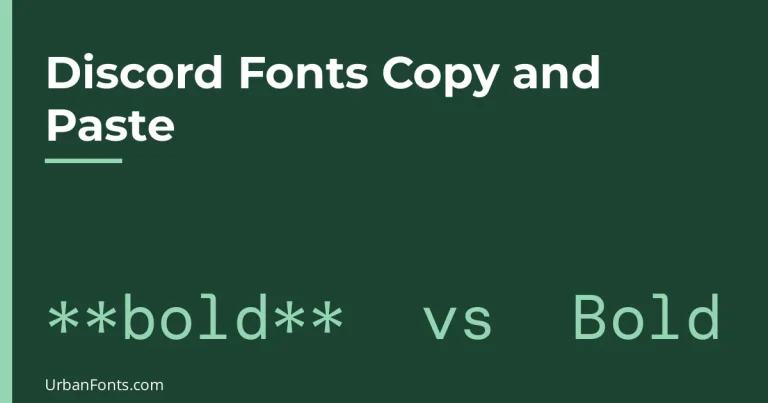
Discord Fonts Copy and Paste: Markdown vs Unicode Text
Discord fonts copy and paste work in two different ways, and they are easy to confuse. Discord's own markdown formatting (like **bold**) works only inside messages, while Unicode text styles…
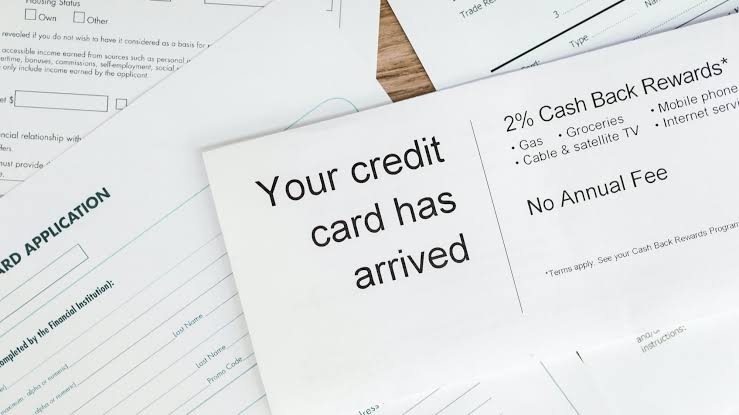
USDT Visa Card: How to Spend Tether Anywhere Visa Is Accepted
With a USDT Visa card, you can use the virtual Tether at any merchant that takes Visa payments, without having to convert your coins into dollars in advance on an…
Elegant Cursive Fonts Copy and Paste: Formal Script Text
Elegant cursive fonts copy and paste can give names and short lines a graceful, formal look, but only some Unicode styles are worth using, and none of them replace a…
Free Fonts Copy and Paste: What Is Free, What Needs a License
Free fonts copy and paste usually means one of two things: styled text you can paste into a bio or chat, or a font you can use in a document…
How to Add Fonts to Google Docs (and What You Can’t Do)
To add fonts to Google Docs, open the Font menu in the toolbar, click More fonts, search for a font, click it, and press OK. The font is saved to…
How to Use Downloaded Fonts: Unzip, Install and Troubleshoot
Here is how to use downloaded fonts: unzip the folder, install the .ttf or .otf file on your computer, close and reopen your app, and then choose the font by…