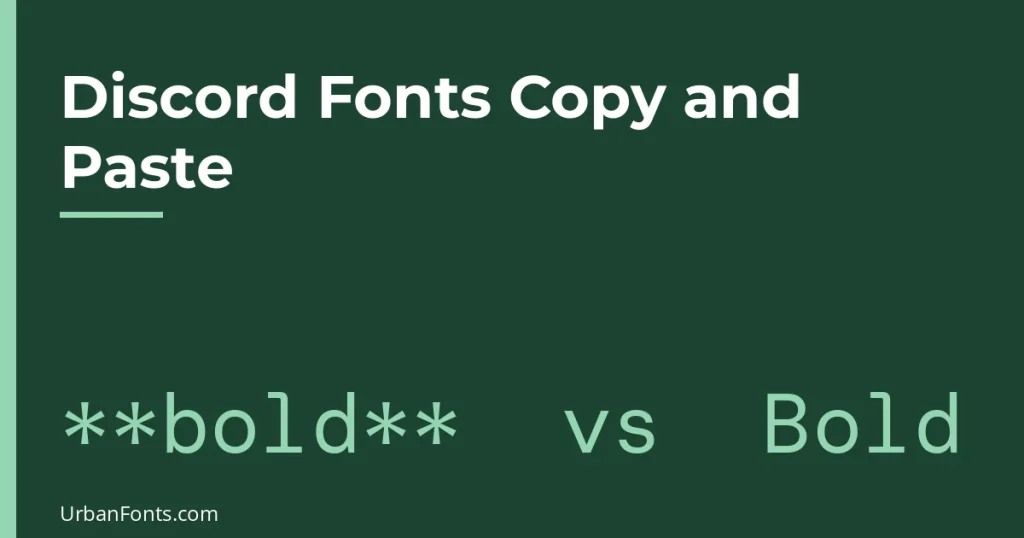
Discord fonts copy and paste work in two different ways, and they are easy to confuse. Discord’s own markdown formatting (like **bold**) works only inside messages, while Unicode text styles such as 𝓽𝓱𝓲𝓼 can be pasted into messages, display names, nicknames and most channel names. Neither one changes Discord’s actual font, which is covered in what font does Discord use.
Markdown or Unicode: which one do you need?
| Discord markdown | Unicode styled text | |
|---|---|---|
| What it is | Symbols that Discord turns into formatting | Special characters that look like a font |
| Works in messages | Yes | Yes |
| Works in nicknames and display names | No, the symbols show as typed | Yes, usually |
| Works in channel names | No | Usually, with limits (see below) |
| Looks the same for everyone | Yes, in Discord’s own font | Depends on the viewer’s device fonts |
| Readable by screen readers | Yes, read as normal text | Often read letter by letter or skipped |
If you only want bold or italic in a chat message, use markdown. It is cleaner and more accessible. If you want a decorative name or a styled channel title, use Unicode.
Discord markdown you can type
Type these symbols around your words. Discord shows the result once you send the message.
| You type | You get |
|---|---|
*italic* |
italic |
**bold** |
bold |
***bold italic*** |
bold italic |
__underline__ |
underlined text |
~~strikethrough~~ |
crossed-out text |
||spoiler|| |
hidden until clicked |
`code` |
inline monospace |
# Heading |
large heading, at the start of a line |
-# small text |
small subtext line |
> quote |
indented quote |
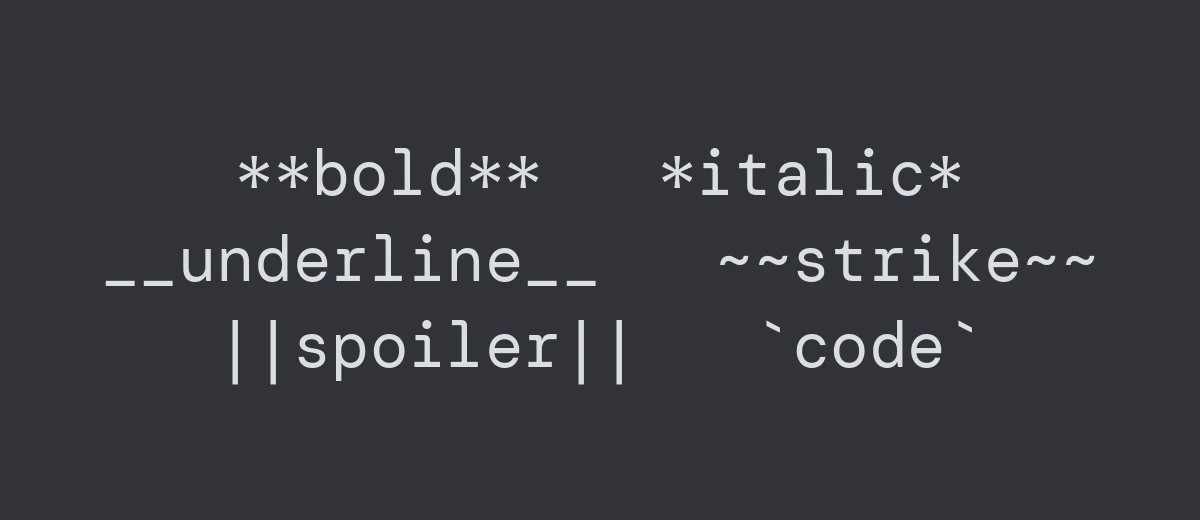
For several lines of monospace text, wrap them in three backticks on their own lines. That is also the best way to post ASCII art or aligned columns, because the spacing is kept. Headings, lists and the small subtext line only work at the start of a line, and some older Discord clients or third-party apps may not display them. Discord has changed its formatting over time, so if something does not render, check that your app is up to date.
If your message shows the symbols instead of formatting, a backslash before a symbol (*) cancels it, or you may have a space inside the markers. ** bold ** will not work, while **bold** will.
Unicode text for Discord
For nicknames and display names, pick a generator, type your name, and copy the style you like. The usual choices work because every modern device has them: 𝐁𝐨𝐥𝐝, 𝓑𝓸𝓵𝓭 𝓼𝓬𝓻𝓲𝓹𝓽, 𝔉𝔯𝔞𝔨𝔱𝔲𝔯, 𝔻𝕠𝕦𝕓𝕝𝕖-𝕤𝕥𝕣𝕦𝕔𝕜, 𝙼𝚘𝚗𝚘𝚜𝚙𝚊𝚌𝚎 and Ⓒⓘⓡⓒⓛⓔⓓ. For more of these, our fancy font copy and paste guide lists styles with examples, and cute text has softer ones.
The letters belong to the Unicode block for Mathematical Alphanumeric Symbols (see the Unicode chart). Discord does not treat them as formatting, just as characters, so they look the way the viewer’s device draws them.
Display names and server nicknames
Discord’s help center states that display names can be 1 to 32 characters and can include spaces, emoji, special characters and non-Latin letters. That is why styled text works in them. A server nickname, which only changes how you appear in one server, has a similar 32-character limit. Servers can set their own rules, so a moderator may ask you to change a name that is hard to read or mention.
Your account username is different. Under Discord’s current system it is a short plain handle in lowercase letters, numbers, periods and underscores, so styled letters do not go there. The name people see comes from your display name.
Channel names
Text channel names are shown in lowercase with hyphens in place of spaces, so a name you type with capitals and spaces gets converted. Styled Unicode letters have no lowercase conversion, since they are not ordinary letters, so they are normally accepted and kept. Voice channels and categories can keep spaces and capitals.
Styled channel names look good for a decorative lobby or a rules channel, but they hurt the people who use a screen reader or who search channels by typing. Keep the functional channels plain, such as “announcements” and “help”, and style only the headers.
Decorations that work well in channel names
- Dividers:
│and✦, as in “✦│welcome”. - Emoji at the front, which Discord itself supports and shows on every device.
- Small caps such as ᴇᴠᴇɴᴛs, which stay readable at small sizes.
Avoid long strings of combining marks sometimes called “zalgo” text. They stretch the line and many servers ban them.
How to paste fancy text into Discord
- Type your name or message in plain text first, and check spelling.
- Convert it with a text style generator and copy the result.
- For a display name, open User Settings, then Profiles, edit the Display Name and paste. For a server nickname, right-click your name in that server and choose the nickname option, or use the Server Profile settings.
- Check how it looks on mobile and in the member list. The member list shows names smaller than chat does.
Menu names change as Discord updates its app, so if you cannot find a setting, look for “Profiles” in User Settings.
What goes wrong
Boxes and question marks
A viewer whose device lacks the style sees empty squares. Bold, italic and script are the safest. Squared and upside-down letters are the most likely to fail.
Hard to mention and search
If your display name is entirely styled, a friend typing @ and a plain-letter name may not find you in the suggestions. Keep a plain word in the name, or tell people your username. Searching for a plain-letter name is unlikely to match styled letters, because they are different characters.
Accessibility
Screen readers do not treat styled letters the way they treat normal text. Use styled text for a name or a header and not for rules, instructions or anything someone must be able to read. Discord markdown, by contrast, stays real text. The W3C Web Accessibility Initiative has background on how people use assistive technology.
Moderation filters
Server bots that filter words usually look at plain characters, and styled spelling may slip past or be flagged depending on the bot. Do not rely on styling to skip a filter, and do not use it to impersonate someone, which breaks Discord’s rules.
When you want a real font on Discord
You cannot change the font Discord shows in chat. For server banners, icons and event images, though, you can design in any real font and upload the image. Try gothic fonts for dark gaming themes or rounded fonts for friendly community servers, and check the license before using a font in a public server image.
Frequently asked questions
How do I get fancy fonts on Discord?
Convert your text with a Unicode style generator, copy it and paste it into a message, display name or nickname. Discord does not have a font picker, so this changes the characters, not Discord’s font.
Can I use bold and italic fonts in a Discord nickname?
You can paste Unicode bold or italic letters into a nickname or display name. Discord markdown like **bold** does not work there. It only works in messages.
Why does my Discord text show boxes for some people?
Their device lacks a font containing those characters. Choose common styles such as bold or script, and test on a phone.
Can I use styled text in a Discord username?
No. The username is a plain handle with a restricted set of characters. Put the styled text in your display name instead.