Instagram fonts copy and paste work in your bio, your display name and your captions, but not in your username, and they are not real fonts. They are Unicode characters, so Instagram shows them the same way on your phone as it would any other text. This guide covers where they work, where they cause problems and how to keep them readable. If you want to know what typeface the Instagram app itself uses, see what font does Instagram use.
Where you can use styled text on Instagram
| Place | Styled text? | Notes |
|---|---|---|
| Bio | Yes | Short phrases work best |
| Name field (display name) | Yes | Makes your profile stand out, but can hurt search |
| Username (handle) | No | Letters, numbers, periods and underscores only |
| Captions and comments | Yes | Avoid for long text |
| Hashtags and @mentions | Keep plain | Styled characters will not work as the tag you mean |
| Highlight titles | Yes | Short labels only |
| Image alt text | Keep plain | Screen readers rely on it |
The rule behind the table: Instagram accepts almost any characters in free-text areas, but the parts of Instagram that link or search by exact text need plain letters.
Styles that look good in a bio
A bio is small and sits under a photo, so the best styles are ones that remain legible at a tiny size. Compare a few for the same line, “Travel + Coffee”:
- 𝐓𝐫𝐚𝐯𝐞𝐥 + 𝐂𝐨𝐟𝐟𝐞𝐞: strong and clear, the safest choice.
- 𝗧𝗿𝗮𝘃𝗲𝗹 + 𝗖𝗼𝗳𝗳𝗲𝗲: clean and modern.
- 𝓣𝓻𝓪𝓿𝓮𝓵 + 𝓒𝓸𝓯𝓯𝓮𝓮: friendly and personal, good for lifestyle and creative accounts.
- ᴛʀᴀᴠᴇʟ + ᴄᴏꜰꜰᴇᴇ: subtle and tidy.
- 𝚃𝚛𝚊𝚟𝚎𝚕 + 𝙲𝚘𝚏𝚏𝚎𝚎: a typewriter feel for writers and photographers.
Pick one style for the whole bio and keep the rest plain. If every line is in a different style, the profile reads as noise. A single styled word or the first line is usually enough. For more looks, see fancy font copy and paste and cursive text.
Bio limits to keep in mind
Instagram bios are limited to 150 characters, including spaces, emoji and line breaks. Styled letters are often wider on screen than plain ones, so a styled line can wrap earlier than you expect. Check the character counter in the app when you edit, and preview the result before you save. Limits like this can change, so confirm the current number in the Instagram app or on the Instagram Help Center.
Line breaks help a lot. Put each idea on its own line:
- Who you are or what you do.
- One detail, such as a place or an interest.
- A call to action, such as “Orders open” with an arrow.
How to change your Instagram bio with styled text
- Write the bio in plain text in your notes app.
- Style the words you want, copy them, and paste them into the note.
- Open Instagram, go to your profile and tap Edit profile.
- Tap Bio or Name, paste your text and save.
- Open your profile as a visitor would and check it on another phone if you can.
Menu labels can differ slightly between app versions, but Edit profile has been the entry point for a long time.
The username problem
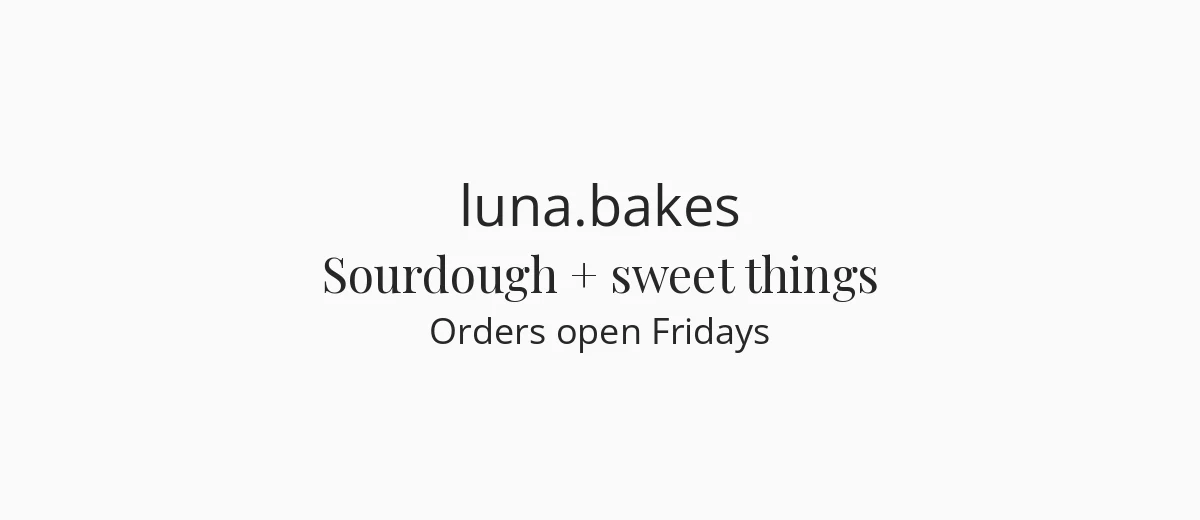
Instagram usernames can contain letters, numbers, periods and underscores, and they are limited to 30 characters. Styled Unicode letters are not accepted, so you cannot make a fancy handle. What people do instead is use periods or underscores for rhythm, like luna.bakes, and put the fancy version in the Name field, which is shown in bold above your bio.
Your Name field is also what people search for. If you replace it with fully styled letters, someone typing your name in plain letters may not find you through the Name field, though your username still works. A good compromise is a plain name with one small decoration, such as a star or a small-caps tagline, or the plain word plus the styled one.
Captions and comments
Captions can be styled, but they are long, so treat styled text as an accent. Good uses:
- A headline on the first line, in bold or bold script, to catch the eye in the feed.
- A divider line such as ✦ ✦ ✦ between sections.
- A short sign-off.
Keep your hashtags and @mentions in plain text. Styled letters are different characters, so they do not link to the tag or the account you intended and may not be searchable. Also keep keywords you want to be found for, such as a product or city, in plain letters somewhere in the caption.
Line breaks in captions can vanish if you paste from some apps. If your formatting collapses, add spacing lines made with a dot or a thin symbol, or write the caption directly in Instagram and paste only the styled words.
Accessibility
Styled letters are a real accessibility problem. Screen readers such as VoiceOver and TalkBack may read them as individual symbols or by their Unicode names, or skip them, depending on the software. A bio written in styled text can be unreadable to someone who relies on audio. People with dyslexia or low vision can also find ornate scripts harder to read.
Practical rules:
- Style a name or a short phrase, not a whole paragraph.
- Never style contact details, prices, dates or opening hours.
- Write alt text in plain letters, in the image settings.
- Use bold or sans-serif bold over complicated scripts if clarity matters most.
The W3C’s introduction to how people with disabilities use the web explains why this matters.
A simple way to decide how much to style
Ask what the line has to do. If it identifies you or tells people how to act, such as your name, your business type or “DM to order”, keep it plain or style only one word. If it only sets a mood, like a tagline or a sign-off, styling is fine. A good test is to read the bio aloud to a friend who has never seen your profile. Anything they cannot read at a glance should be simplified.
Compatibility checklist
- Boxes: a few older phones lack some styles. Test a bio on a second device.
- Dark mode: thin scripts can fade on a dark background. Bold versions hold up better.
- Desktop: the Instagram website uses your computer’s fonts, which might draw styled letters differently from your phone.
- Stories: Instagram also has built-in text styles in its Stories tool, which are real fonts and safer for screen readers than pasted Unicode.
When you need real fonts
For posts, Reels covers and Highlight icons, design the graphic in an app that has real fonts and upload the picture. Open-source families such as Playfair Display or Montserrat work well; see script fonts or minimalist fonts for more options, and check each font’s license for commercial use.
Frequently asked questions
How do I get fonts on Instagram?
Use a copy and paste text generator: type your text, pick a style, copy it and paste it into your bio, name or caption. Instagram has no font picker for bios and captions, so this changes the characters, not the font.
Can I use fancy fonts in my Instagram username?
No. Usernames allow only letters, numbers, periods and underscores. Put the styled version in your Name field or bio.
Will styled text affect my Instagram search ranking?
The Name field is searchable, and styled letters will not match a plain-letter search. Keep key words in plain text in your name or username so people can find you.
Are Instagram fonts copy and paste accessible?
Not very. Screen readers often read styled letters poorly, so use them for a few decorative words and keep important information in plain text.