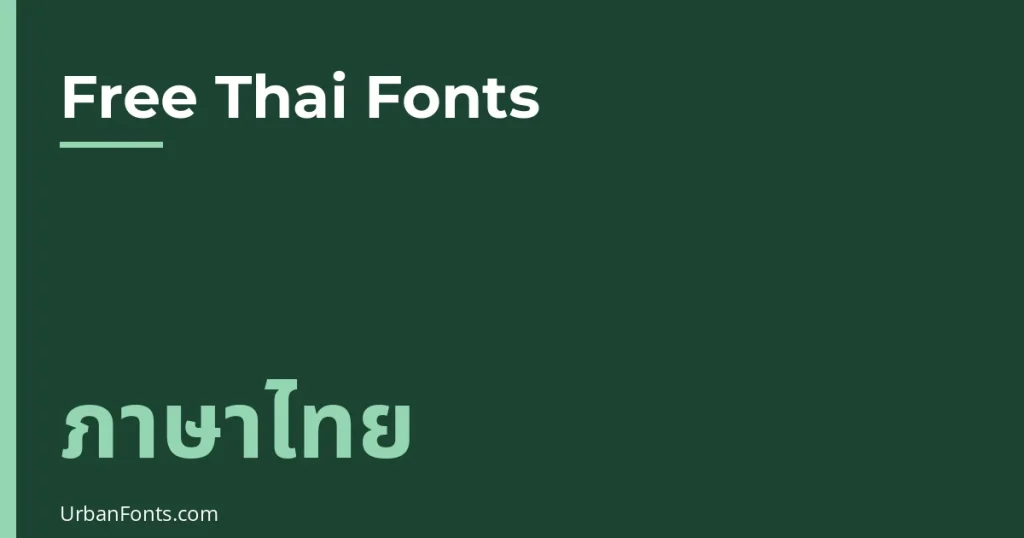
The best free Thai fonts that are bold and rounded are Mitr, Prompt, Kanit, and Mali, all available on Google Fonts under the SIL Open Font License. Mitr is the one with genuinely rounded terminals, Prompt and Kanit give you heavy weights up to Black, and Mali and Itim add a handwritten, playful feel. This guide compares them, explains looped and loopless Thai, and shows how to use them without breaking the tone marks.
Looped vs loopless Thai: the choice that shapes everything
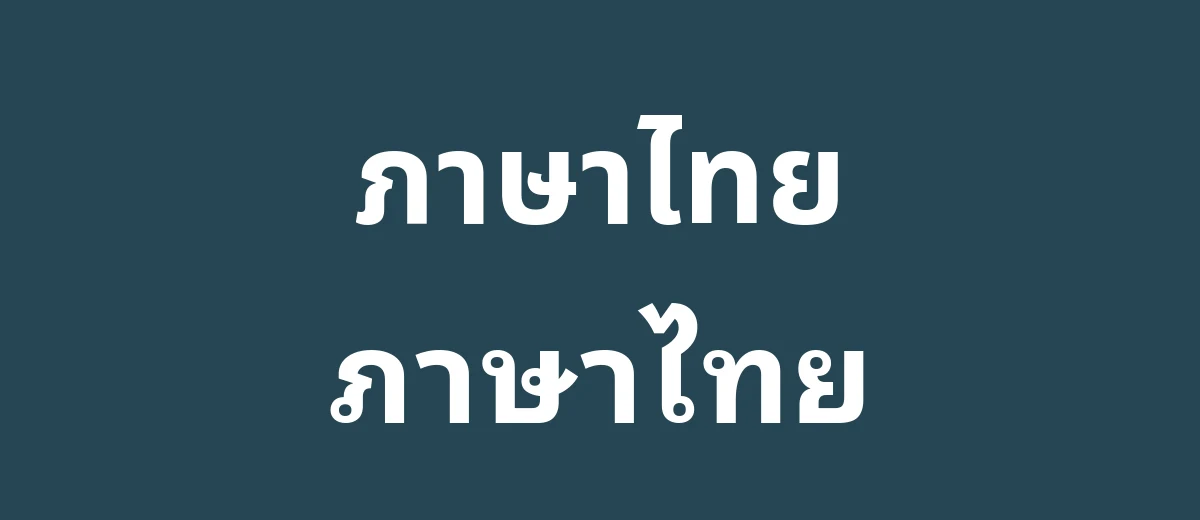
Traditional Thai letters have small loops, or “heads”, at the start of many strokes, like the loop on the first stroke of ก or ข. Fonts that keep these loops are called looped. Fonts that open or simplify them are called loopless. The loopless style looks cleaner and sits comfortably beside Latin sans fonts, which is why it is popular for headlines, packaging, and apps.
Google’s own Noto family shows both. Noto Sans Thai is described as the more modern, loopless variant, mainly suited to headlines, packaging, and advertising. Noto Sans Thai Looped is the more traditional variant, suitable for all texts. Noto Sans Thai Looped is a variable font with weights from 100 to 900.
| Style | Looks like | Best for |
|---|---|---|
| Loopless | Clean, modern, close to Latin sans fonts | Headlines, logos, packaging, app interfaces |
| Looped | Traditional, familiar to most readers | Long text, formal documents, print, traditional brands |
Neither is better. Readers in Thailand read both daily, but looped is generally the more conservative choice for body text. If you do not read Thai, ask a native reader to look at samples before you pick one.
Bold and rounded Thai fonts compared
I checked each of these against its Google Fonts description and metadata. All are under the OFL, which allows commercial use. Click through to Google Fonts for live previews, or use the Thai language filter to browse everything.
| Font | Thai style | Heaviest weight | Feel |
|---|---|---|---|
| Mitr | Loopless | Bold (700) | Friendly, with rounded terminals |
| Prompt | Loopless | Black (900) | Simple and geometric, wide and airy |
| Kanit | Loopless | Black (900) | Contemporary, flat terminals, capsule-like curves |
| Mali | Handwriting | Bold (700) | Carefree, inspired by a child’s handwriting |
| Itim | Looped handwriting | One weight (400) | Informal, semi-serif handwriting |
| Noto Sans Thai Looped | Looped | Black (900) | Neutral and dependable |
| K2D | Looped, modern look | ExtraBold (800) | Modern with traditional letterforms |
| Chakra Petch | Looped | Bold (700) | Square sans with tapered corners; technical |
| Bai Jamjuree | Sans | Bold (700) | Square sans inspired by Eurostyle |
| Pridi | Looped, slab-style Latin | Bold (700) | Slab-serif Latin with looped Thai; works for body and display |
| Maitree | Looped, serif Latin | Bold (700) | Friendly, antique, big looped terminals |
| Sarabun | Text face | ExtraBold (800) | Based on TH Sarabun New; used in the Thai Government Gazette |
Which fonts are really rounded?
Be careful with the word “rounded”. Only Mitr’s description mentions rounded terminals. Prompt and Kanit are bold and friendly but have flat or geometric endings, and Kanit’s description specifically mentions flat angles on stroke terminals. Mali and Itim feel round because they are handwritten, not because the strokes end in round caps. If you need a bubble-like, fully rounded Thai typeface, Google Fonts has few of them, so test Mitr first and check commercial Thai type foundries if it is not enough.
Pick by project
Logos, posters, and packaging
Prompt Bold or Black and Kanit Bold or Black make confident headlines, and both have Latin letters that match the Thai. Mitr is the choice when you want a softer, friendlier voice, such as for a kids’ brand or a cafe.
Websites and apps
Prompt works well for headings and buttons. For long reading, use a looped text face such as Noto Sans Thai Looped, Sarabun, or K2D, and keep the bold fonts for headings. If your site is multilingual, the Noto family has matching versions of many scripts, so type stays visually even.
Kids, cartoons, and playful designs
Mali and Itim have an informal, handwritten feel. Mali is described as inspired by a sixth-grader’s handwriting, which suits invitations and children’s content. For other casual styles, see our rounded fonts for Latin-only text, and pair them with a Thai font so both scripts feel related.
How to use Thai bold fonts well
- Allow more line height. Thai vowels and tone marks stack above and below the letters. A line height of about 1.5 to 1.7 is a common starting point for body text, and tight line spacing in headlines causes marks to touch.
- Avoid letter spacing. Thai is not designed for tracking, and it can detach vowels and tone marks from their letters.
- Be careful with very bold weights at small sizes. Several Thai letters look alike (the Prompt and Mitr descriptions list pairs such as ข and ช, and บ and ป). At small sizes and heavy weights these can merge.
- There are no capital letters. Weight and size do the work that uppercase does in Latin.
- Thai has no spaces between words. Spaces mark phrases or sentences. Set
lang="th"on web pages so browsers break lines properly. - Check the Latin side too. Many of these fonts include Latin letters designed to match, which is useful for bilingual signs.
Using them on a website, in Canva, or on your computer
On a website, pick the family on Google Fonts, choose the weights you need, and copy the embed code. Load only the weights you will use, because each adds file size. In CSS, font-family: 'Mitr', sans-serif; is enough to start, with font-weight: 700 for bold.
For Canva, check the font picker first to see whether the family is already there, since the library changes. If it is not, a paid plan lets you upload TTF or OTF files, as described in how to upload a font to Canva. Canva does not support variable fonts, so use static files for Noto Sans Thai Looped. On Windows or macOS, install the downloaded files as normal, and you can use them in Word or Pages.
If you see a Thai font in an image and want to identify it, try the methods in find a font from an image, though tools that work well for Latin text can be less accurate on Thai. Browse more families on our fonts pages.
Test before you commit
Thai type has details that do not show in a short sample, so run a quick test before you lock in a font.
- Set a real sentence or product name, not placeholder text, in each candidate font at the size you will use.
- Include words with stacked marks, such as vowels above the line plus a tone mark, and check that nothing collides.
- Look at the Latin and number glyphs next to the Thai. If the brand has English text too, the two scripts should look like the same family.
- View the result on a phone screen and in print, because heavy weights can clog at small sizes on either.
- Ask someone who reads Thai which version feels right for the audience. Tone and formality are easy to miss if you do not read the script.
Licensing
These Google Fonts families are licensed under the SIL OFL. You can use them for commercial work, including logos and packaging, and you can bundle them in apps. You cannot sell the font files on their own, and modified versions have naming rules. Check the license shown on the download page for any font outside Google Fonts.
Frequently asked questions
Which Thai font is rounded?
Mitr is the clearest example on Google Fonts, because its description mentions rounded terminals. Mali and Itim feel round because they are handwriting styles. Prompt and Kanit are bold but not rounded at the stroke ends.
What is the difference between looped and loopless Thai fonts?
Looped fonts keep the small loops at the start of many Thai strokes, which gives a traditional look. Loopless fonts open or simplify those loops for a cleaner, more modern look that pairs well with Latin sans fonts.
Are Google Fonts Thai fonts free for commercial use?
Yes. Prompt, Kanit, Mitr, Sarabun, Noto Sans Thai Looped, Mali, Itim, K2D, and the others listed here are under the SIL Open Font License, which allows commercial use. You cannot sell the font files by themselves.
Which Thai fonts come in a Black weight?
Prompt, Kanit, and Noto Sans Thai Looped all have weights up to 900 (Black). Mitr stops at Bold (700), and Itim has a single weight.
Can I use these Thai fonts in Canva?
Check Canva’s font picker first, because its library changes. If a font is missing, upload a TTF or OTF file on a paid plan. Canva does not support variable fonts, so use static files.