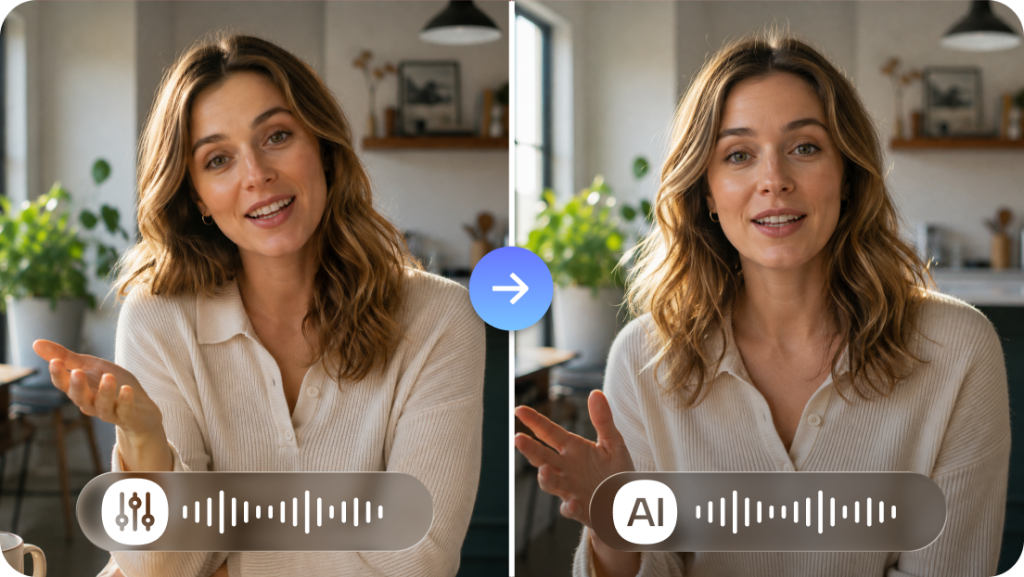
A video soundtrack rarely reaches its final form on the first attempt. A documentary editor may decide that the background music is too prominent, a filmmaker may want to reduce the sound of passing traffic, or a presenter may need clearer speech before publication. These changes can become difficult when every sound has already been combined into one audio file. Seed Audio 1.5 introduces an approach to audio creation that focuses on the relationship between individual sound elements. Its scene-based design brings dialogue, music, ambience, and sound effects into the same creative process. Its developing multitrack capabilities are also intended to give editors more flexibility when refining audio. This makes it worth exploring from the perspective of post-production, where small adjustments can make a noticeable difference to the finished video.
Why a Finished Mix Can Be Difficult to Change
Imagine editing a short documentary about a local craft workshop. The recording contains an interview, the steady noise of tools, occasional footsteps, and music added to create a warm atmosphere. During review, the editor notices that the music competes with the interviewer's voice. When all these elements are locked into one mixed file, reducing the music without affecting the other sounds can be challenging. The editor may need to return to the original project, locate separate recordings, or rebuild part of the soundtrack.
This is why sound organization matters. Keeping dialogue, environmental audio, effects, and music distinguishable gives editors more options when feedback arrives. It also makes later revisions easier to explain and manage.
Think of Audio as Editable Components
A soundtrack can be understood as several connected layers, each serving a different purpose. Dialogue communicates the message and carries the speaker's personality. Environmental sound establishes the location, while effects draw attention to particular actions. Music supports the pacing and emotional direction without taking attention away from important information. Seed Audio 1.5 is presented around this combined scene concept rather than treating every sound as an unrelated task. Multitrack workflows associated with the model are intended to make individual elements easier to adjust during editing, although the exact controls and availability can depend on the platform.
For an editor, the practical benefit is flexibility. Instead of treating the soundtrack as one untouchable recording, individual components can be reviewed according to their role in the finished project.
Make Feedback More Specific
Creative feedback is often expressed in general terms. A client may say that a video feels too dramatic, that an interview sounds crowded, or that a particular moment needs more impact. These comments are useful starting points, but editors need to translate them into clear changes. A better review process identifies the element causing the problem. For example, if viewers struggle to understand a speaker, the issue may involve background music, nearby effects, or inconsistent voice levels. If a scene feels empty, it may need more natural environmental detail rather than louder music.
With separate audio elements available, editors can approach these decisions individually. They can compare alternatives, preserve parts that already work, and avoid unnecessarily changing the entire soundtrack.
Prepare Different Versions Without Losing the Original Direction
One video may need several audio treatments. A detailed documentary version might include a complete musical score, while a shorter social media edit may benefit from a simpler arrangement. An educational version could prioritize narration and reduce unnecessary background activity. Keeping the sound elements organized makes these adaptations easier to plan. The dialogue can remain central while music and effects are adjusted to suit each version.
Consider a museum video showing an object being carefully restored. The full version might use quiet workshop ambience and restrained music. A short promotional cut could emphasize a few precise tool sounds and finish with a brief musical cue. The subject remains the same, but the sound treatment serves a different viewing context. Dreamina can help explore accompanying visual concepts for this type of project, while the soundtrack is developed and refined as a separate part of the production process.
Use Timing to Make Transitions Feel Natural
Audio adjustments are not only about volume. The moment a sound begins or ends can influence how a scene feels. Music that starts too early may weaken an important reveal, while an effect that arrives after an action can make the footage seem disconnected. A well-prepared editing brief should identify important moments, pauses, transitions, and changes in atmosphere. Where precise timing controls are available, these instructions can guide the placement of individual elements. Editors should still compare the generated result with the actual video, since even a small change to the visual edit can affect synchronization. Leaving suitable space around dialogue is equally important. A short pause can make a conversation feel more natural and give viewers time to absorb information.
Review the Result With Fresh Ears
Technical organization does not guarantee a successful soundtrack. Every revised version should be listened to from beginning to end. Check whether speech remains clear, environmental sounds feel believable, and the music supports rather than overwhelms the scene. It is also useful to listen through different devices. Headphones may reveal subtle effects, while ordinary phone speakers can expose problems with dialogue clarity. Ask someone who was not involved in editing to review the result, because unfamiliar listeners may notice distractions that the production team has stopped hearing.
Track separation is not perfect in every situation. Overlapping sounds, noisy recordings, and similar frequencies can make individual elements difficult to isolate cleanly. Some material may still require manual editing or restoration.
Conclusion
Good post-production depends on having enough control to improve a soundtrack without damaging the parts that already work. Seed Audio 1.5 offers a scene-focused approach to audio creation, while its multitrack direction points toward more flexible editing of dialogue, music, ambience, and effects. For creators, the main lesson is to treat sound as an organized part of the production rather than a final layer added without further thought. Clear planning, careful revisions, and attentive listening remain essential to producing a polished video.
Frequently Asked Questions
1. Why are separate audio tracks useful during video editing?
They allow editors to adjust individual sound elements without unnecessarily changing the entire soundtrack. This is especially helpful when revising music, dialogue, or environmental effects.
2. Can separating audio elements improve interview clarity?
It can help by making dialogue and competing background elements easier to manage. However, heavily overlapping or poor-quality recordings may still need additional audio cleanup.
3. Should editors keep an original mixed audio file?
Yes. Preserving the original provides a reference and a backup. It also allows editors to compare revisions and return to the earlier version when needed.
4. Is multitrack audio useful for short social media videos?
Yes. It can make it easier to adapt music, effects, and dialogue for shorter edits while keeping the central message consistent.
5. Does automated track separation remove the need for manual editing?
No. Automated tools can reduce repetitive work, but editors still need to check sound quality, correct unwanted artifacts, balance levels, and confirm that every element fits the video.