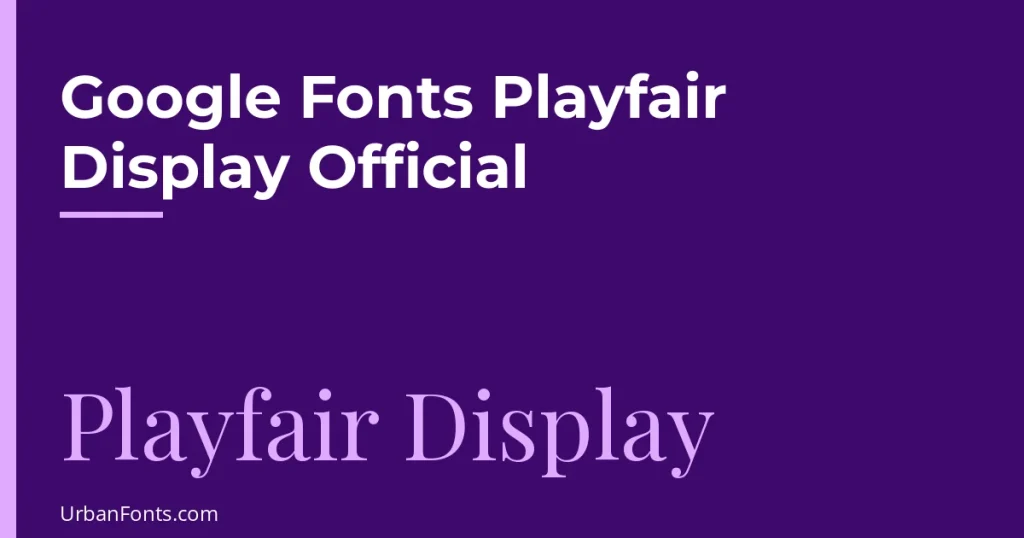
The official Playfair Display is a free serif typeface designed by Claus Eggers Sørensen, published on Google Fonts under the SIL Open Font License. The only places you need to get it from are its Google Fonts page and the project’s GitHub repository. This guide covers the verified facts, the styles and weights, how to download or embed it, and how to avoid the unofficial download sites that rank for this search.
Official facts about Playfair Display
| Detail | What the official sources say |
|---|---|
| Designer | Claus Eggers Sørensen, a type designer based in Amsterdam |
| License | SIL Open Font License (OFL) 1.1 |
| Added to Google Fonts | November 2011, with a major update in 2017 |
| Category | Serif, transitional, designed for large (display) sizes |
| Weights | 400 (Regular) to 900 (Black), with matching italics: 12 styles |
| Variable font | Yes, with a weight (wght) axis from 400 to 900 |
| Scripts on Google Fonts | Latin, Latin Extended, Cyrillic, and Vietnamese |
| Sibling family | Playfair Display SC (small caps) |
| Successor | Playfair (2023), with optical size and width axes |
These details come from the font’s Google Fonts description and metadata. The project’s own description explains the design: it is a transitional typeface that draws on John Baskerville’s work and Scotch Roman designs, with high contrast and delicate hairlines. It is not a revival of any one typeface.
Styles, weights, and the variable font
Playfair Display has six weights, each with an italic:
- 400 Regular and 400 Italic
- 500 Medium and Medium Italic
- 600 SemiBold and SemiBold Italic
- 700 Bold and Bold Italic
- 800 ExtraBold and ExtraBold Italic
- 900 Black and Black Italic
There is no Light or Thin weight, so if you need a lighter serif for body text, look elsewhere. The font files on Google Fonts are variable. There is one file for the upright styles and one for the italics, and each covers the full 400 to 900 range. That is why you can ask for font-weight: 650 on a website, and the browser will render it. In short, a variable font stores a whole range of weights in a single file.
The main family files include small caps, common ligatures, and discretionary ligatures, so you can use them with OpenType features in apps that support them. Playfair Display SC is a separate family for small caps in apps that do not.
Playfair Display vs Playfair
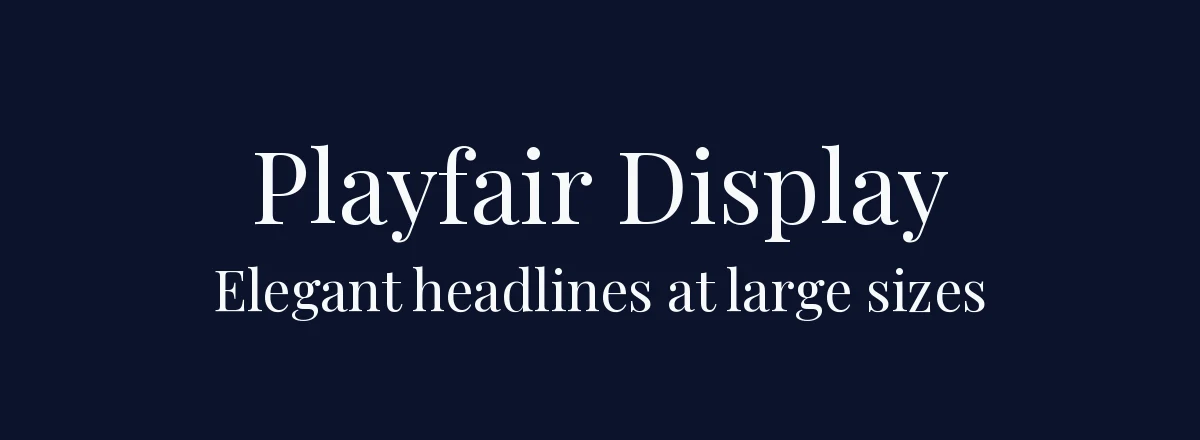
Google Fonts also lists a family named just “Playfair”. It was published in 2023 as the successor, by the same designer, and is also a variable font. It adds an optical size axis, which changes the design for text and display sizes, and a width axis, and it starts at weight 300. Playfair Display’s description says it is a display design, and recommends pairing it with Georgia or Gelasio for body text. Playfair is the better choice if you want one family that can handle text sizes. Playfair Display is the one most people mean by the search, and it is the one in older designs and templates.
How to download it from the official page
- Go to fonts.google.com/specimen/Playfair+Display.
- Click the button to get the font. Google has renamed and moved its buttons over time, but the page offers a download for the whole family and an option to get embed code for websites.
- Choose to download all styles. You receive a ZIP file. Unzip it before use. Google normally includes the variable font files, and many downloads also include a folder of static weights. Use the static files if an app does not support variable fonts.
- Install the files on your computer. On Windows, right-click a font file and choose Install. On macOS, double-click and choose Install Font. Apple has instructions in the Font Book guide.
If you design in Canva, upload static TTF or OTF files into a Brand Kit on a paid plan. Canva states that it does not support variable fonts. Our guide to uploading a font to Canva has the steps. Canva may already offer Playfair Display in its own font menu, so check there before you upload anything.
How to embed it on a website
On the Google Fonts page, you can copy a link tag for the styles you pick. The generated code looks like this, using the current CSS API:
<link rel="preconnect" href="https://fonts.googleapis.com">
<link rel="preconnect" href="https://fonts.gstatic.com" crossorigin>
<link href="https://fonts.googleapis.com/css2?family=Playfair+Display:ital,wght@0,400..900;1,400..900&display=swap" rel="stylesheet">
Then use it in your CSS:
h1, h2 { font-family: "Playfair Display", serif; font-weight: 700; }Only request the weights you use. If you need only Regular and Bold, request wght@400;700 and the page will load less data. You can also self-host the font files, which the OFL permits, if you want to avoid a third-party request. Google’s getting started guide documents the API.
Is Playfair Display free for commercial use?
Yes. The OFL allows you to use, study, and redistribute the font, including in logos, packaging, print, and apps, and to embed it in a website. You may not sell the font files by themselves, and if you modify it and distribute the result, the OFL has rules about the name. The license text is in the Google Fonts repository. Because the font is so widely used, a logo set in it will not be distinctive on its own.
Unofficial download sites: what to watch for
Search results for font names often show third-party “free font” sites. Some are legitimate archives, but many are not, and they cause several problems:
- Outdated copies. The font was updated in 2017, and an older file may be missing glyphs, italics, or the variable version.
- Incomplete or renamed files. Some sites repackage only a few weights, or add watermarks, ads, or installers.
- Misleading license labels. A site may label a font “personal use only” even though the official license is OFL, or leave the license out entirely.
- Security risk. Download buttons that lead to executable files (.exe, .dmg) are not fonts. A real download is a ZIP or font file (.ttf, .otf, .woff2).
A safe rule: get Playfair Display only from fonts.google.com or the designer’s GitHub repository, and check that what you downloaded is a ZIP file containing .ttf files. Browse more trusted free typefaces on our serif fonts page, which also lists licenses.
Pairing and using Playfair Display well
Playfair Display is a headline font. Its thin hairlines can break up at small sizes, particularly on low-resolution screens, so use it at around 24 px or larger and keep body text in a different font. The designer’s own note suggests Georgia or Gelasio for text. Clean sans-serif choices that work well include Inter, Source Sans 3, and Lato.
| Use | Suggested setup |
|---|---|
| Magazine-style blog | Playfair Display 700 for headings, Source Sans 3 for body |
| Wedding or event | Playfair Display Italic for names, Lato for details |
| Resume or portfolio | Playfair Display only for your name, a plain sans for the rest |
| Luxury or editorial brand | Playfair Display 400 or 500 for large headings, with generous spacing |
If you are unsure whether a serif suits your project, read what is a serif font, or what font a resume should use before using a display serif in a document. For similar looks, see our elegant fonts and wedding fonts.
Frequently asked questions
Who designed Playfair Display?
Claus Eggers Sørensen, a type designer based in Amsterdam. It was first published in 2011 and had a major update in 2017.
Is Playfair Display free for commercial use?
Yes. It is licensed under the SIL Open Font License, which allows commercial use, including in logos, print, and websites. You cannot sell the font files by themselves.
Is Playfair Display a variable font?
Yes. The Google Fonts files include a weight axis from 400 to 900, in an upright and an italic file. Apps that do not support variable fonts, such as Canva, need static files.
What is the difference between Playfair Display and Playfair?
Playfair is the 2023 successor by the same designer. It adds optical size and width axes and starts at weight 300. Playfair Display is the older display-focused family.
Where can I download the official Playfair Display?
Use fonts.google.com/specimen/Playfair+Display or the designer’s GitHub repository. Avoid third-party download sites, which may offer outdated, incomplete, or mislabeled files.